Course project · UX case study
Booking a rental car without surprises at the counter
A redesign of the car rental booking flow that shows the real price and the deposit before you pay, not after.
Role
Solo UX/UI designer
Timeline
April to September 2026 (alongside a full-time job)
Tools
Figma, FigJam, Miro, Framer
Methods
/User interviews
/Usability testing
/Affinity mapping
/Journey mapping
/Wireframing
/Prototype testing

Overview
The Problem
“Would call the location if deposit details don’t appear.”
“Wants all booking information in one place.”
“Irritated that each change opens a new tab.”
(Paraphrased observation notes from the sessions, not verbatim quotes.)
Research & Discovery
Source
Sites
Notes
Course recording, observed
Budget, Kayak, Hertz (one participant)
80
Moderated by me
Europcar
13
Moderated by me
Sixt, Rentalcars.com (one participant, one session)
50
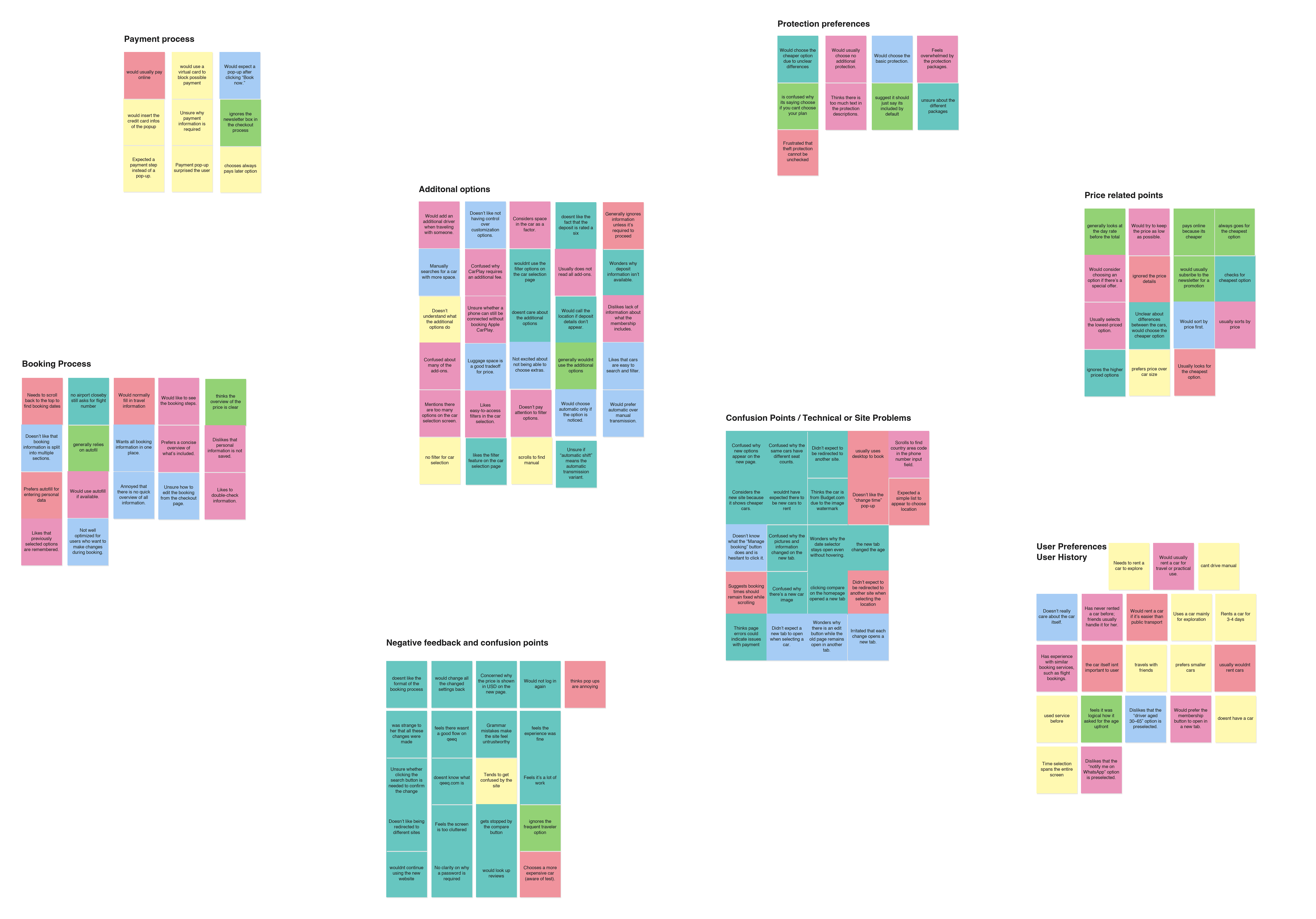

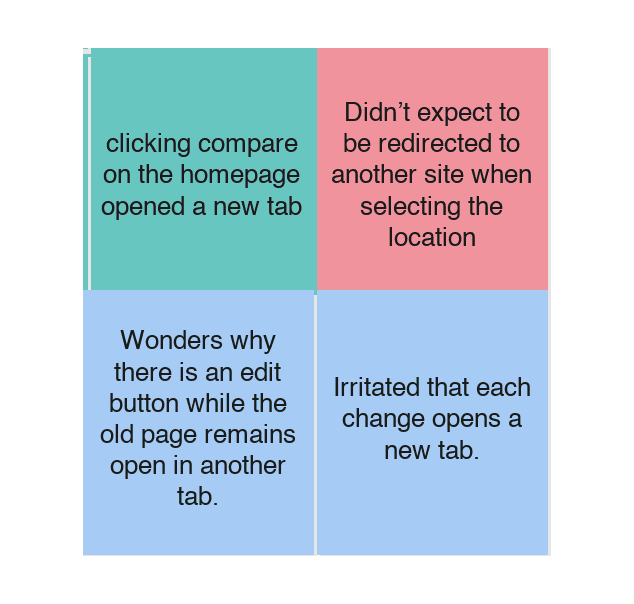


Top 5 problem themes, of 11 in total
Price (17) and vehicle preferences (15) are left out: they describe what people do, not what goes wrong.
1. The booking is scattered.
⌄
People scrolled back to check their dates and wanted every booking detail in one place.
2. Redirects and new tabs break trust.
⌄
New tabs with different photos, USD prices or a changed driver age were the most emotional pain point.
3. Protection and add-ons overwhelm.
⌄
Too much text, unclear packages, and extras that couldn't be unchecked.
4. Price decides, but the details are missing.
⌄
People sort by price and pick the cheapest car when differences are unclear. Deposit info was missing or hidden.
Insights & Design Principles
01. One site, start to finish.
⌄
Insight: People lose track when details are spread across pages. In the design: date pill in the header, progress stepper, sticky summary with "Change" links.
02. The price you see is the price you pay.
⌄
Insight: Trust breaks when the price changes or is incomplete. In the design: day rate and total together, deposit before payment, pay-now discount as its own line.
03. Nothing chosen for you.
⌄
Insight: Preselected defaults feel like losing control. In the design: explicit choices, "Included" only where it's free, add-ons as optional checkboxes.
UX Process
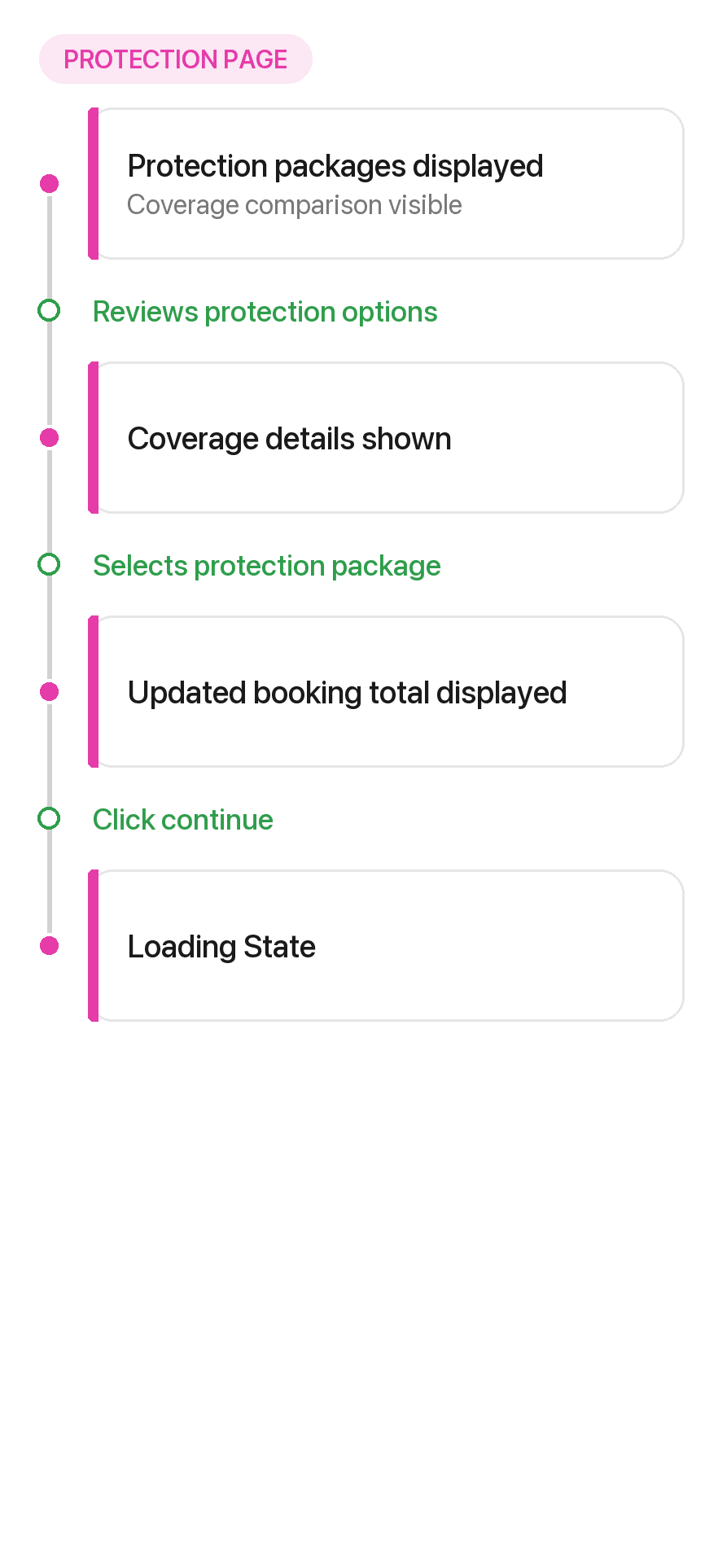
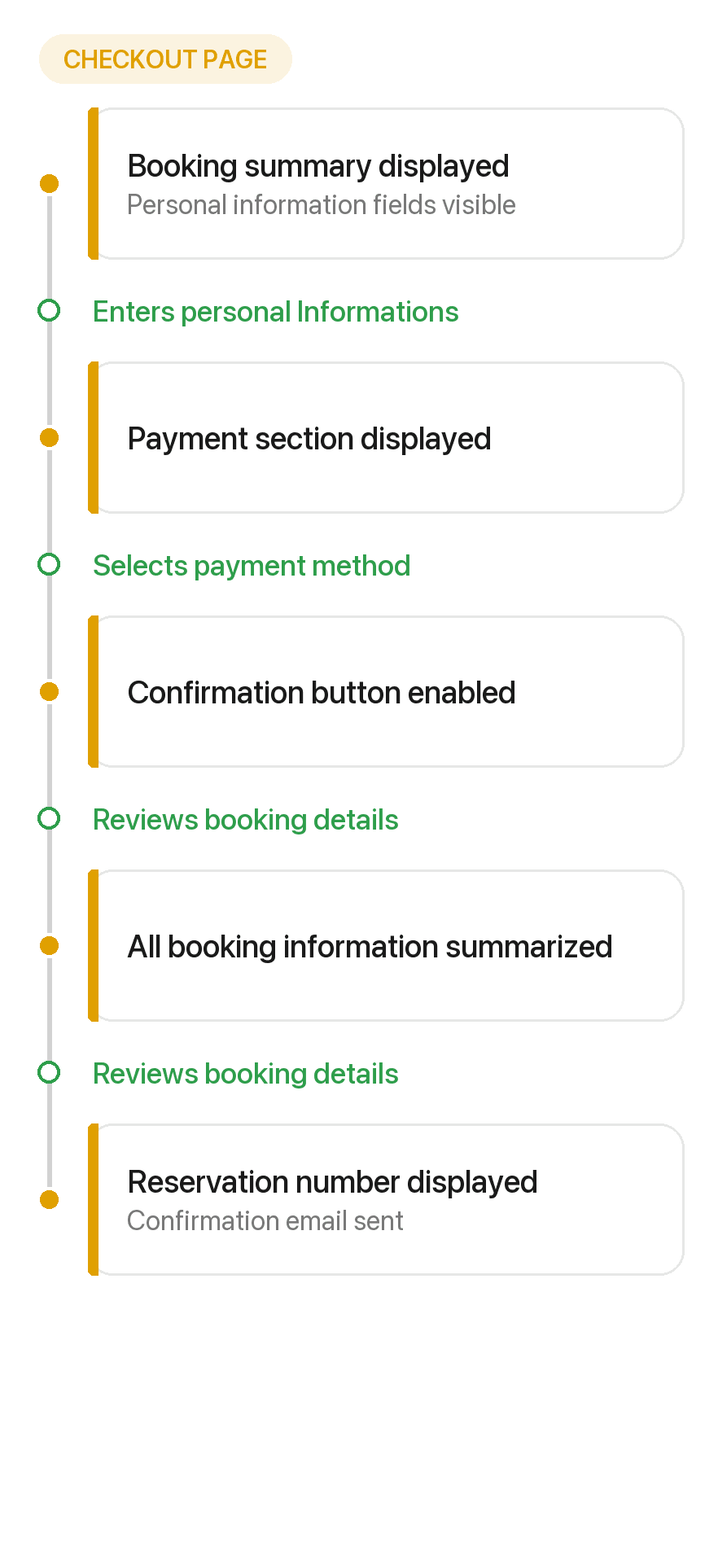
User journey


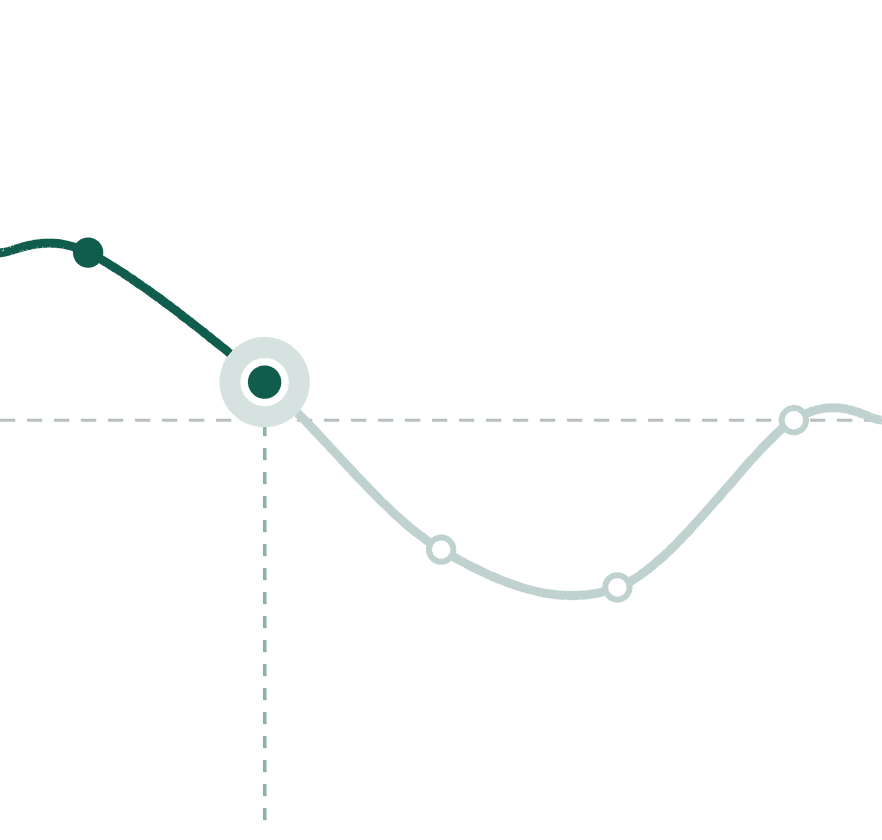
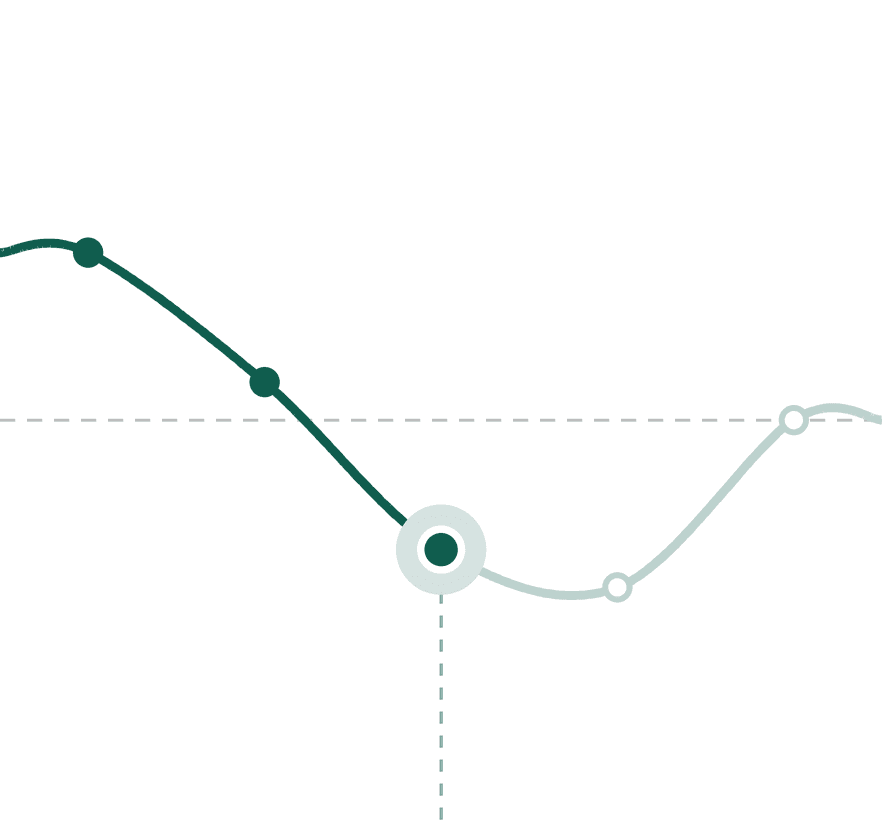
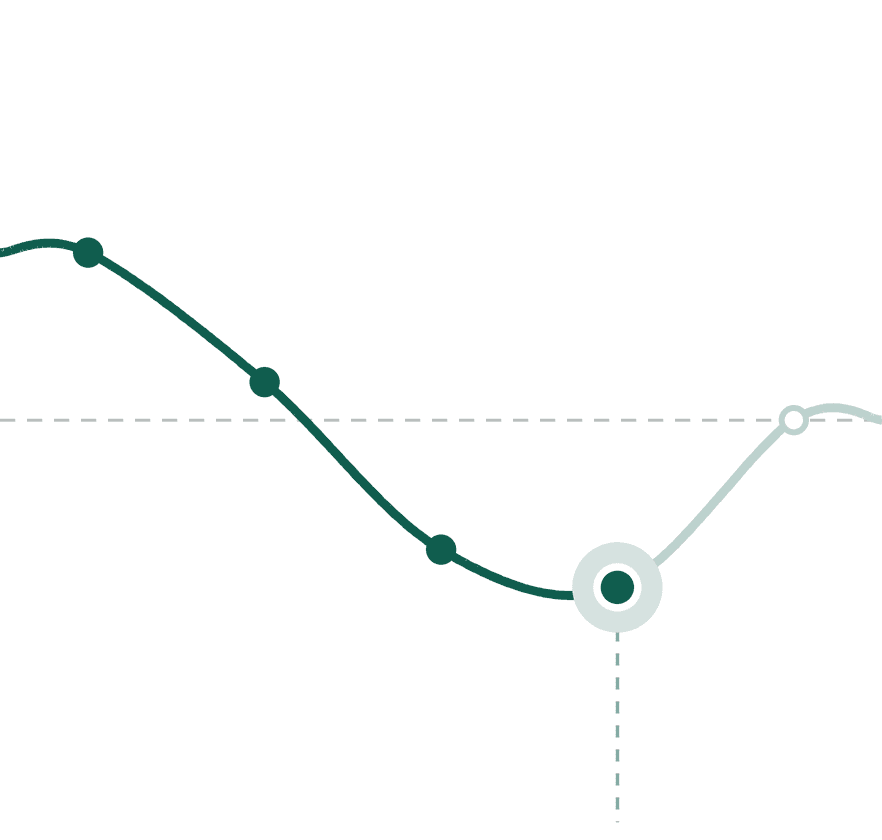
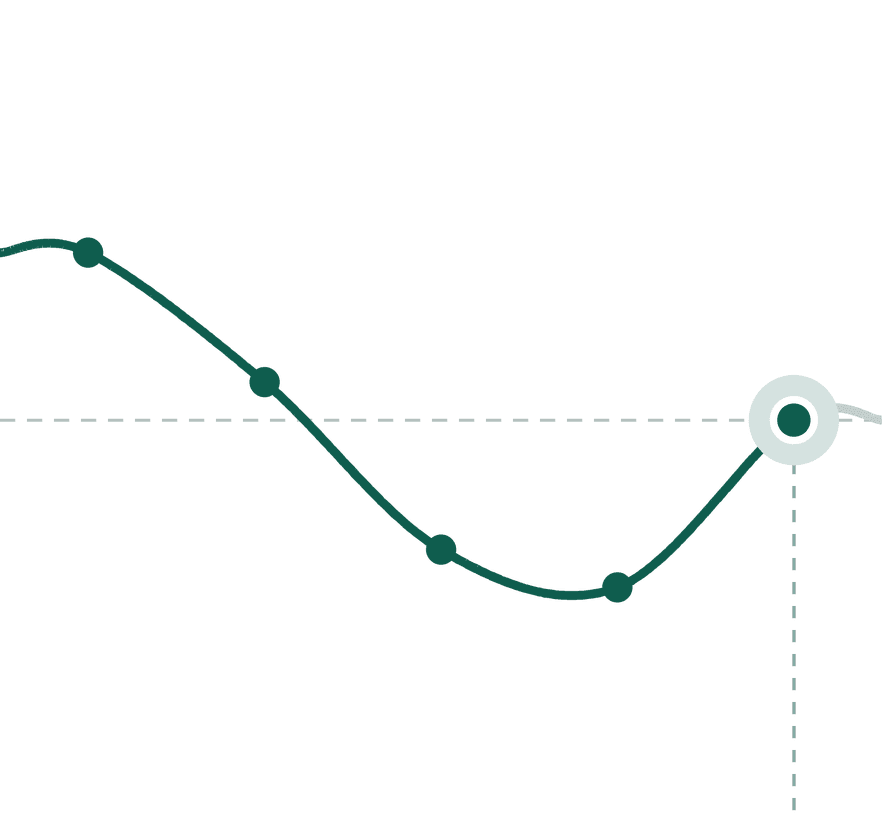


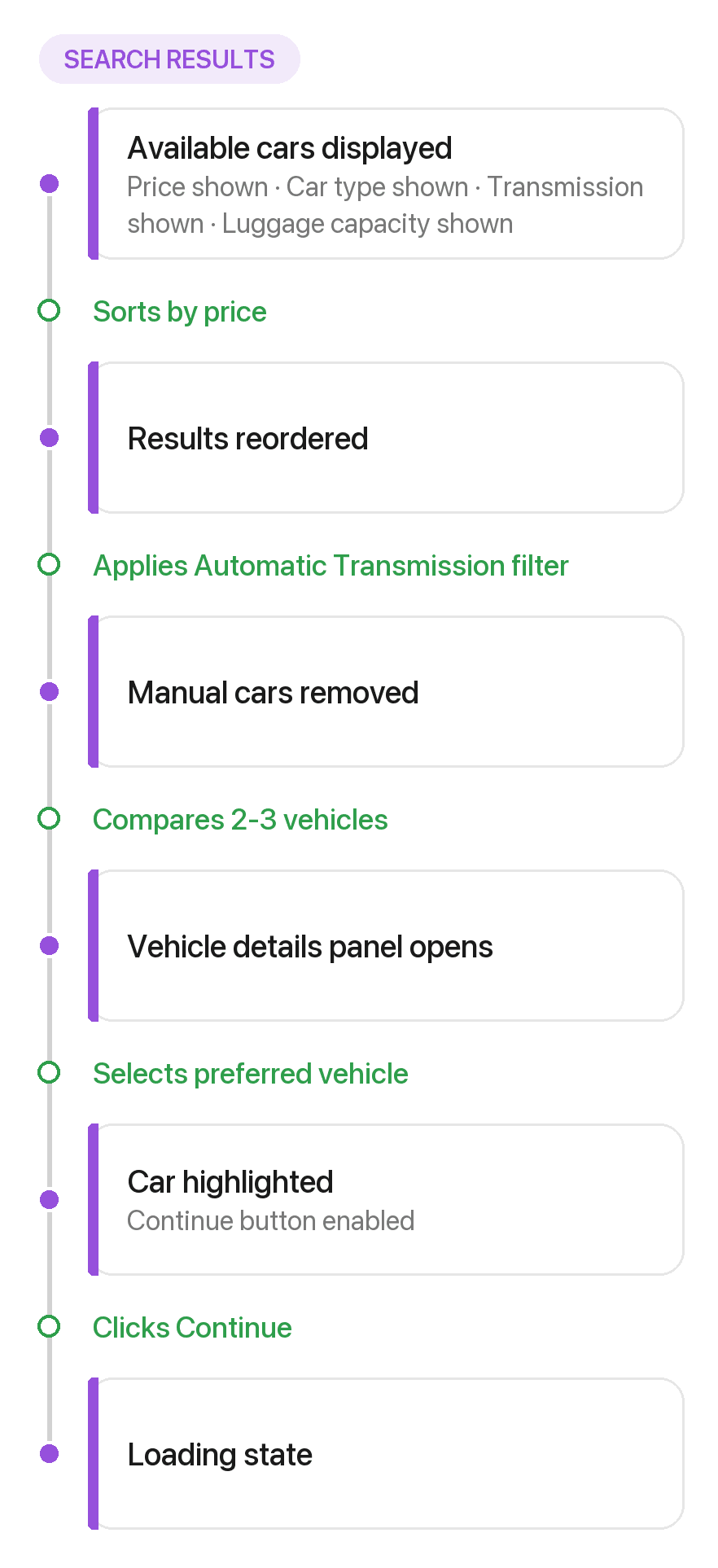
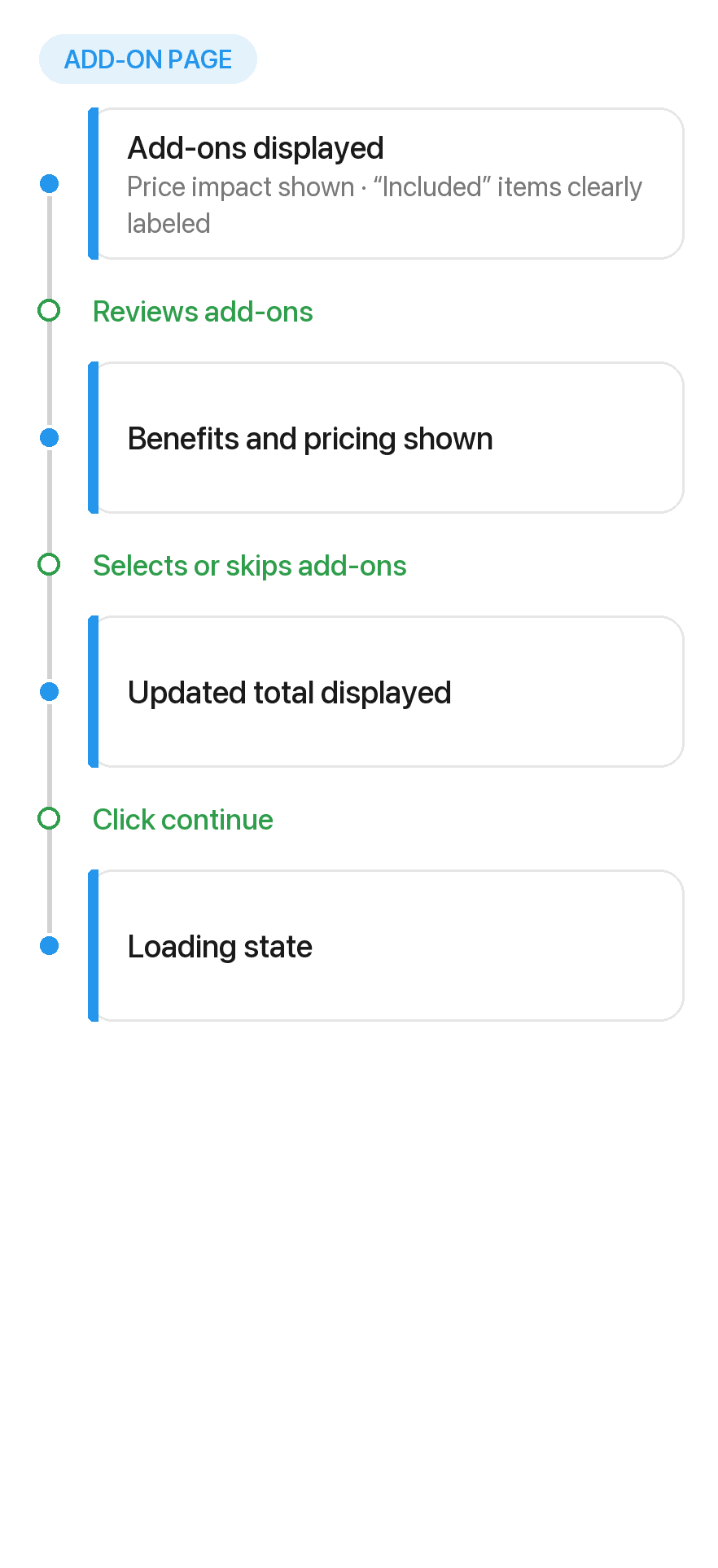
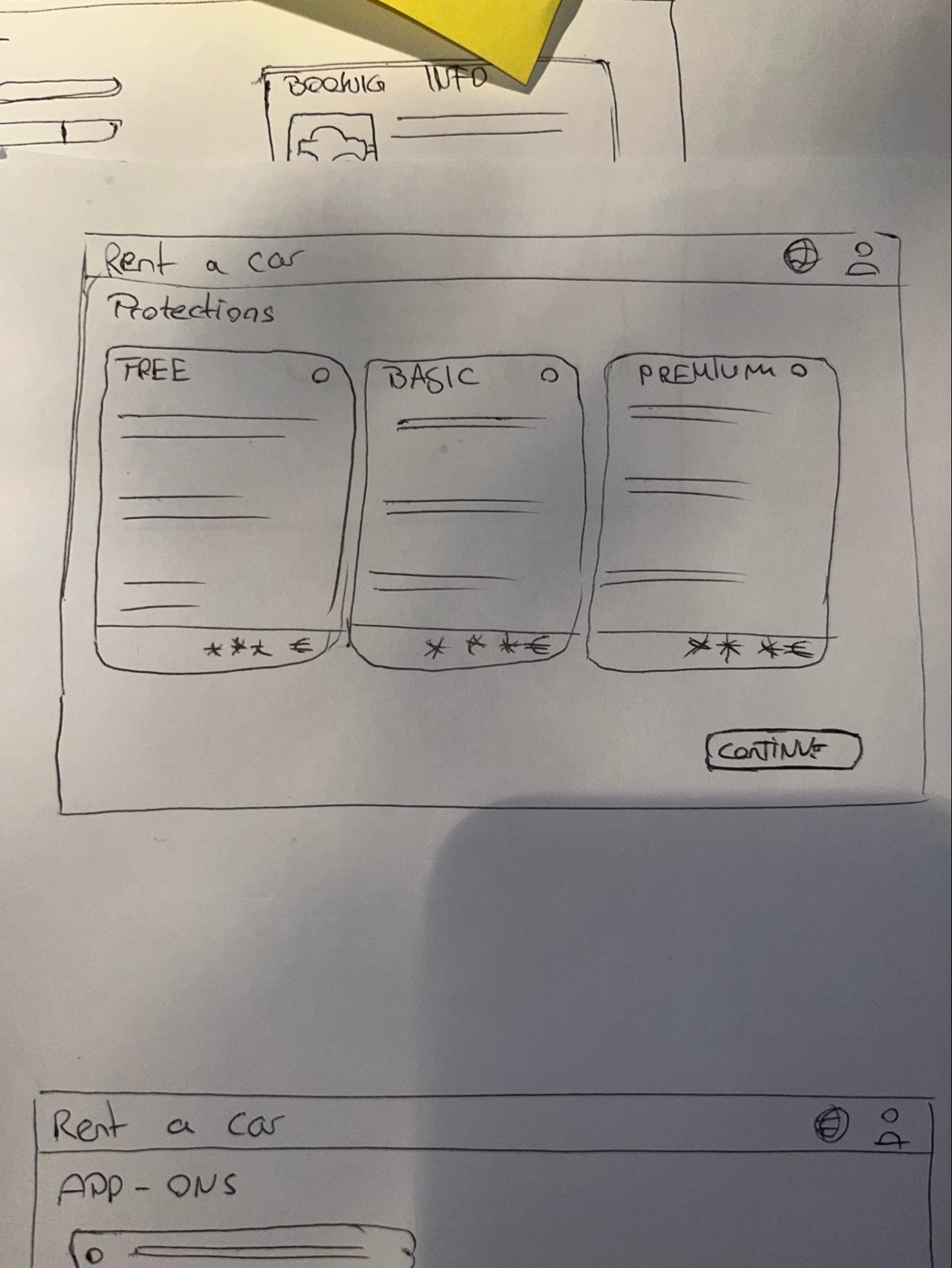
Sketches and wireframes




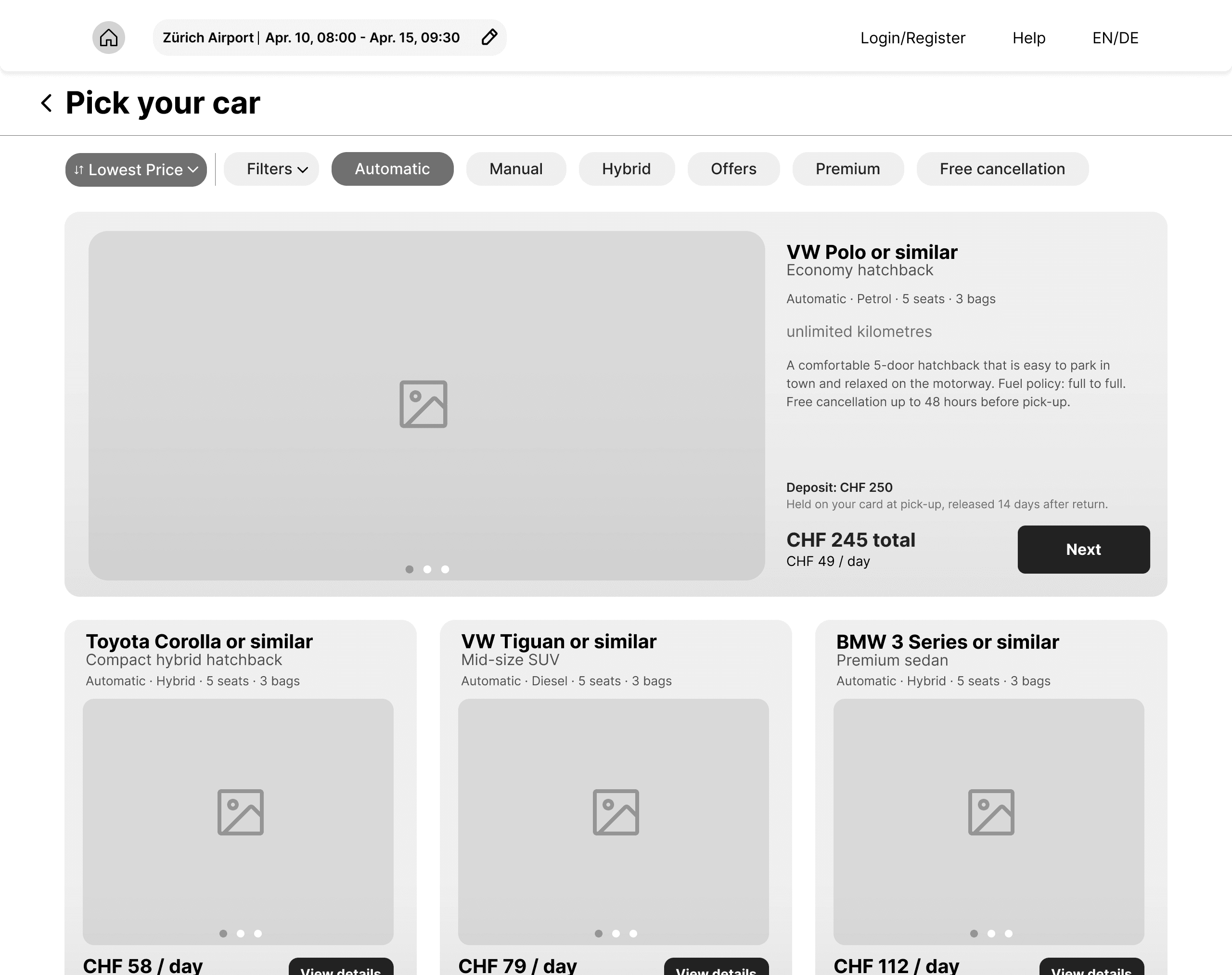


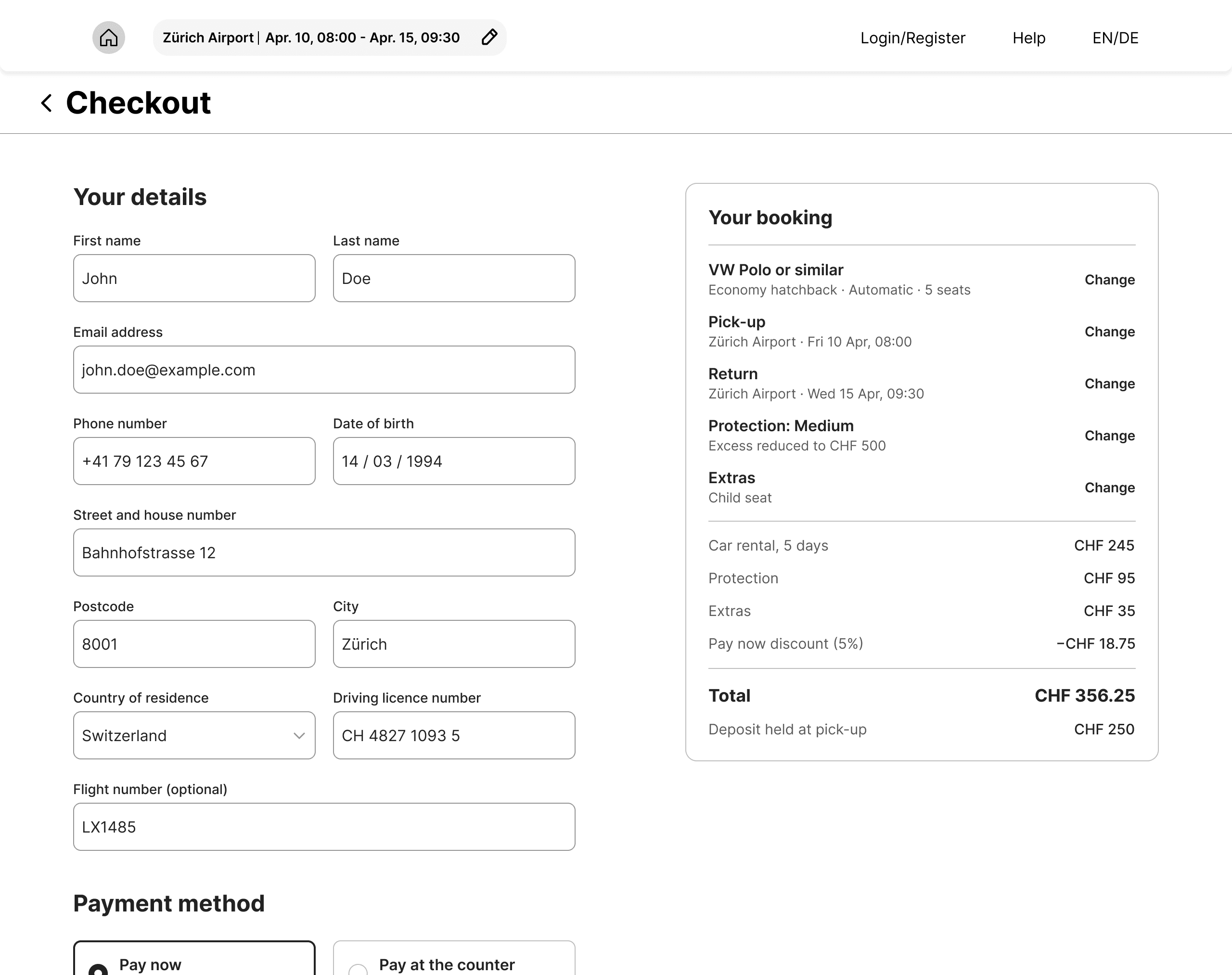

Final Solution


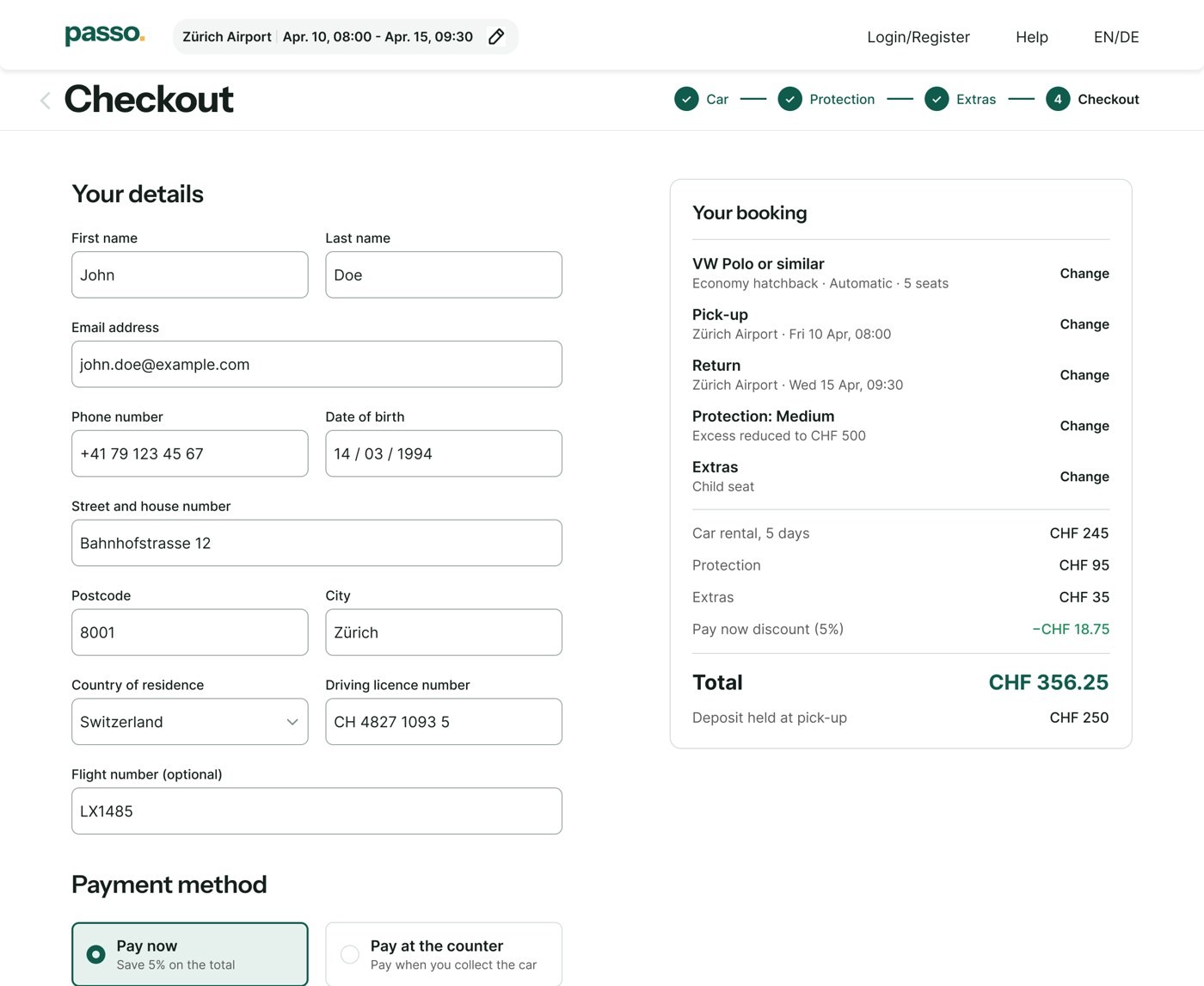


Note: car and hero images are AI-generated placeholders.
Validation
Reflection
Closing
Hidden costs looked like a pricing problem. It was an information problem: people didn’t mind the price, they minded not seeing it.
Next step: test the final screens with four or five people and check one thing. Can they say what they’ll pay, deposit included, before they click pay?
Thanks for reading.
Appendix: Design System
• Colors: brand green, accent yellow, neutrals, error and success, all as variables.
• Typography: Instrument Sans for headings, Inter for interface text.
• Components: buttons (primary, secondary, selected, disabled, hover), inputs (default, hover, focus, filled, error), chips, cards.
• Spacing and radius: 8 for inputs and buttons, 12 for cards and panels.


Next case study
100 App Store reviews coded to measure the cost of a removed live occupancy feature, then turned into three design principles and new home screen, check-in and onboarding flows.
